Compress PDF for WhatsApp

Reduce PDF file size for fast, seamless sharing on WhatsApp, Telegram, and mobile chat apps. Save mobile data and speed up recipient downloads.

Your files are never uploaded to our servers — all compression happens right inside your browser

Drop your PDF files here

or pick several files at once from your device

WhatsApp Document Size Limits & Mobile Reality

While WhatsApp allows document sharing up to 100 MB (and up to 2 GB on select recent builds), sending large PDFs over messaging apps creates significant friction for recipients. Large files consume precious cellular data, take minutes to download on spotty mobile connections, and eat up device storage space.
The Optimal File Size for Mobile Chat Sharing

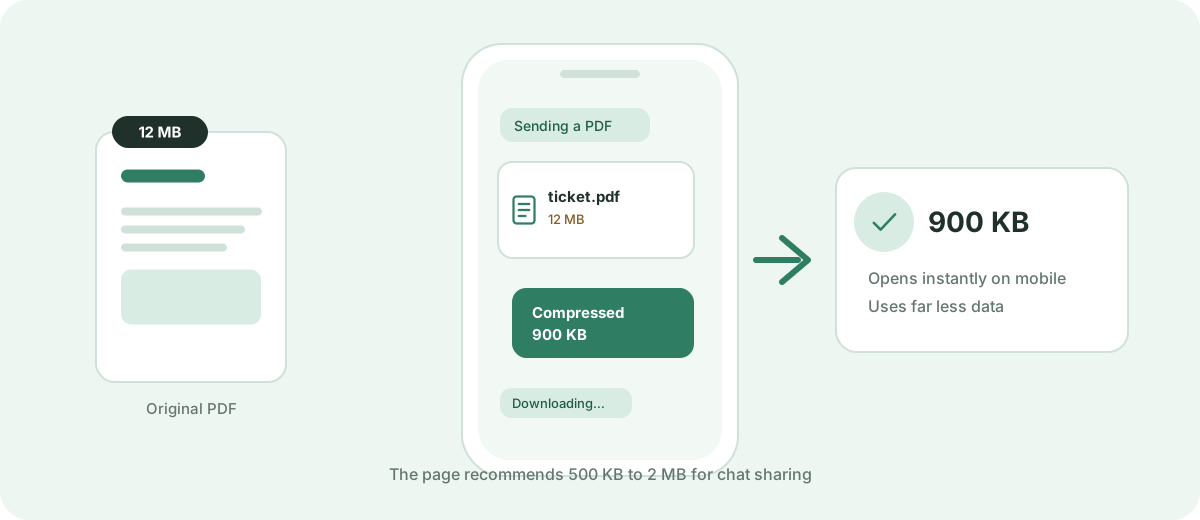
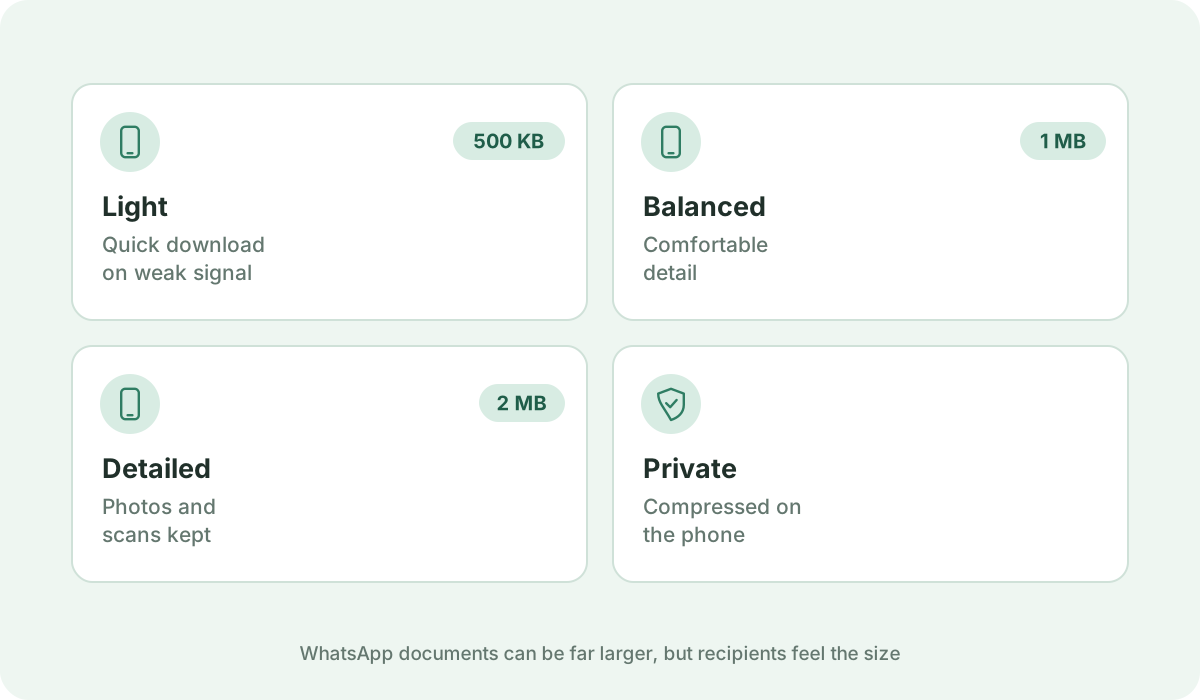
For contracts, tickets, study materials, and certificates, the ideal target size for WhatsApp is between 500 KB and 2 MB. At this size, the PDF downloads almost instantaneously on mobile 4G/5G connections, renders smoothly in built-in mobile viewers, and causes zero download timeouts.

Direct Mobile Browser Compression — No App Needed

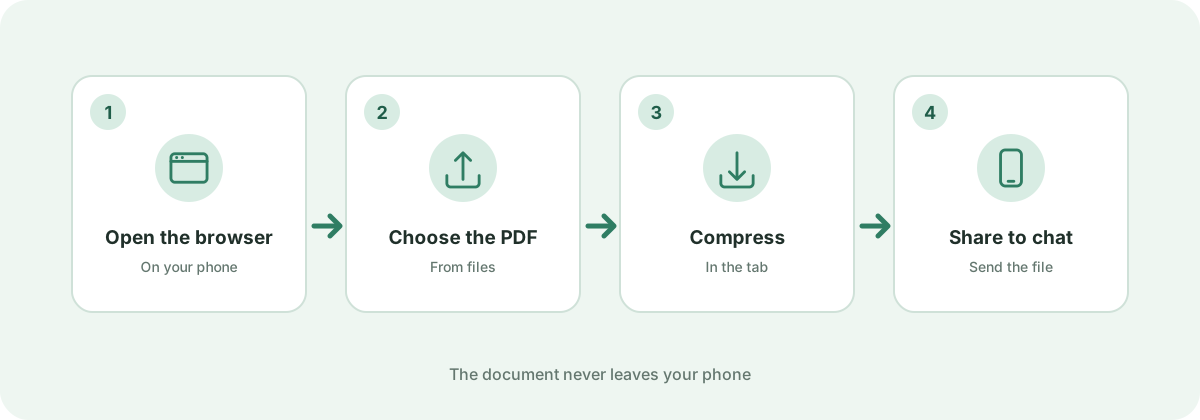
You don't need to install suspicious third-party mobile apps from app stores to compress a document. Simply open Kompres PDF in your mobile Chrome or Safari browser, select your PDF from your phone's file manager, compress it in seconds, and share it directly into WhatsApp.

Zero Data Leakage on Private Chat Attachments

Documents shared via WhatsApp often include tickets, bank statements, identification slips, or academic transcripts. Because compression happens strictly inside your phone's browser, your personal documents remain 100% confidential.

Frequently asked questions

What is the file size limit for PDF documents on WhatsApp?

WhatsApp allows sending documents up to 100 MB on most standard versions. However, files over 10 MB often stall or fail to download on mobile networks.

Can I compress a PDF directly on my Android or iPhone?

Yes. Kompres PDF is fully mobile-responsive. Open the site in Safari or Chrome on your smartphone, select the file, compress it, and save the compressed version back to your files.

What is the recommended PDF size for WhatsApp sharing?

Aim for between 300 KB and 1 MB. This ensures instant download and preview even on 3G or congested 4G connections.