Skip to content

Merge PDF Online Free

Easily combine multiple PDF documents into a single organized file directly in your web browser. Drag and drop files, reorder pages, rotate orientations, and download your consolidated PDF with absolute privacy and zero quality loss.

Merge PDF Online

Combine multiple PDF files into one PDF

or

Private • Free • Works in your browser

100% Client-Side

Processed entirely inside your browser. No files ever touch our servers.

Page-Level Control

Reorder pages across documents, rotate 90°, duplicate, or remove unwanted sheets.

Lossless Fidelity

Preserves original vector paths, selectable text, typography, and page sizes.

Powerful In-Browser Document Merging

Merge contracts, receipts, presentations, and reports into a single, cohesive PDF without installing desktop software. Our intuitive organizer lets you arrange entire documents or drill down to reorder, rotate, duplicate, and toggle individual pages across multiple source files.
100% Private & Secure — Zero Server Uploads

Unlike traditional online PDF converters that send your confidential documents to remote cloud servers, KompressPDF processes everything locally on your computer or mobile device. Your files never touch external servers, preventing data breaches and guaranteeing full compliance with enterprise privacy standards.

Lossless Quality & Diverse Page Sizes

Preserve original vector graphics, embedded typography, searchable text layers, page annotations, and high-resolution imagery. Documents with mixed orientations (portrait and landscape) or varying dimensions (A4, US Letter, Legal) merge seamlessly without distortions or re-encoding artifacts.

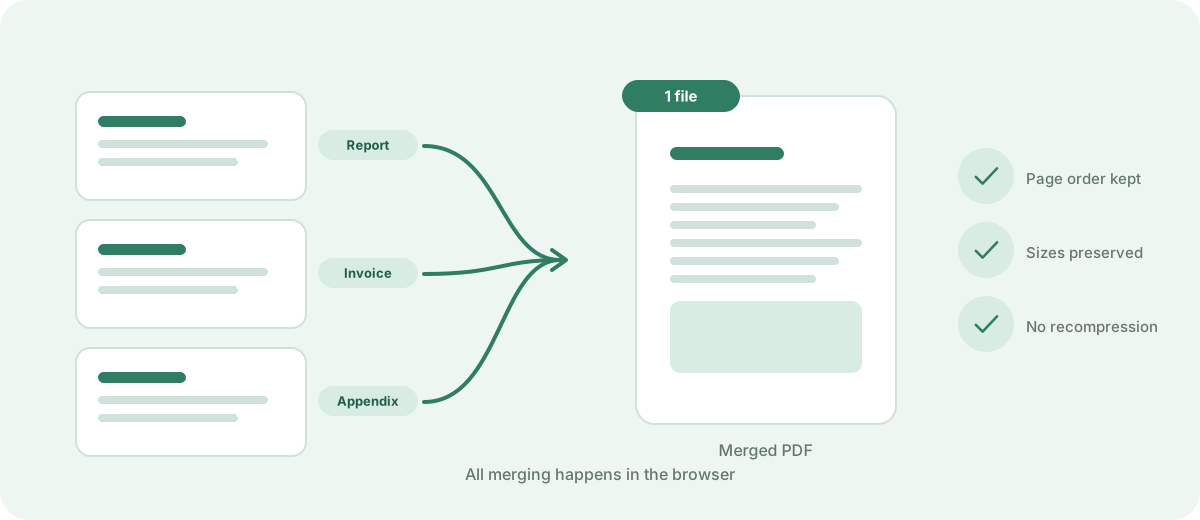
Three PDF files merged into one document
The merged file keeps each page as it was.
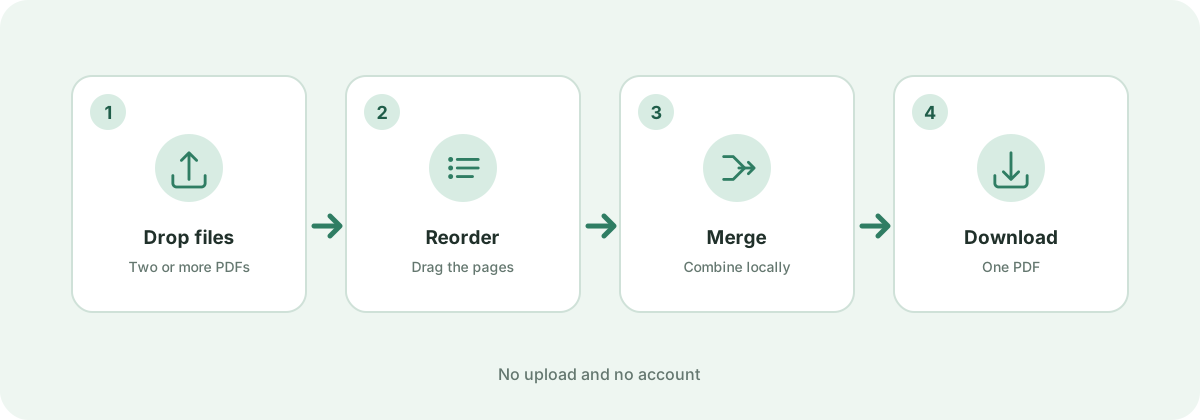
Four steps: drop files, reorder, merge and download
All merging happens in the browser.
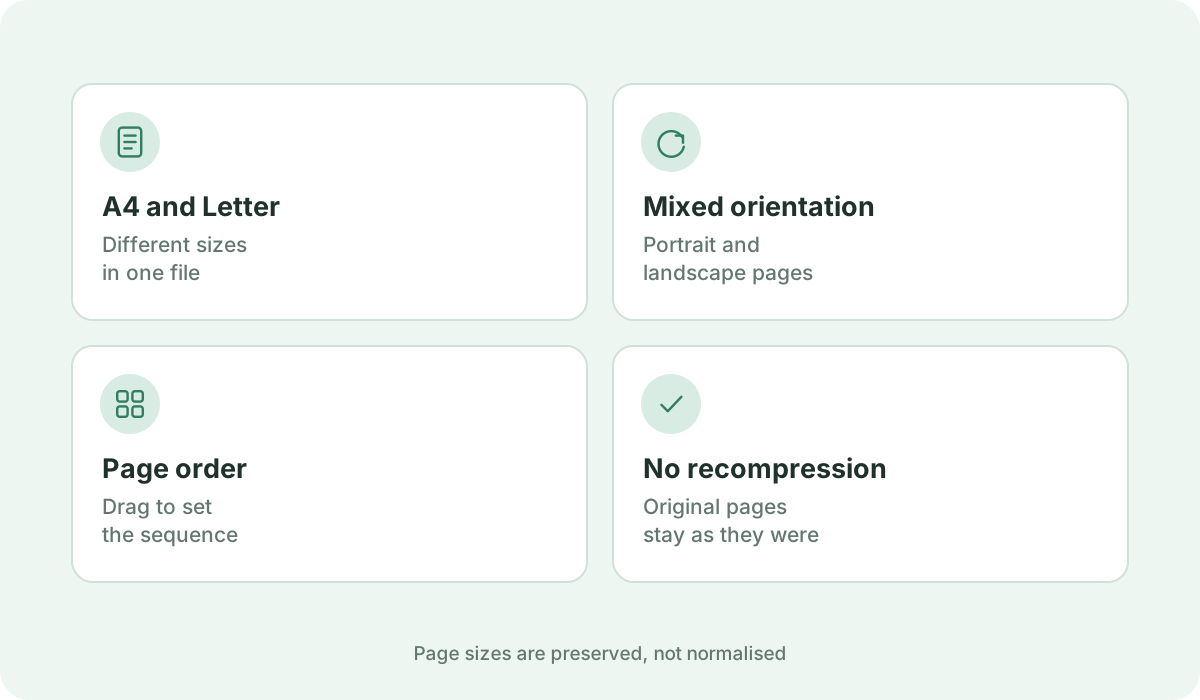
Mixed page sizes and orientations preserved in one merged file
A4, Letter and landscape pages can share a document.

Frequently asked questions

How do I merge multiple PDF files into one?

Click 'Choose PDF Files' or drop your documents onto the upload zone. Arrange the document or page order as desired, rotate or delete pages if needed, and click 'Merge PDF' to download your unified file immediately.

Can I reorder individual pages from different PDF files?

Yes! Switch between 'By Document' and 'All Pages' view to freely drag, move, rotate, duplicate, or exclude individual pages across all your uploaded documents before merging.

Are my uploaded PDF files safe and confidential?

Yes, completely. All PDF parsing, page rearranging, and document assembly take place locally in your web browser using WebAssembly and client-side libraries. No files are ever uploaded to any server.

Is there a limit on how many PDF files I can merge?

You can merge up to 10 PDF files in a single session, with an individual file limit of 50 MB and a total session limit of 100 MB, all completely free without registration.

Will merging affect the quality or text in my PDFs?

Not at all. The merge engine copies original PDF page objects losslessly without rasterizing or re-compressing them. All vector lines, sharp fonts, and high-definition images remain pristine.

Sources & further reading

Standards, official documentation, and technical references behind the guidance on this page.