Why Reduce PDF File Size?
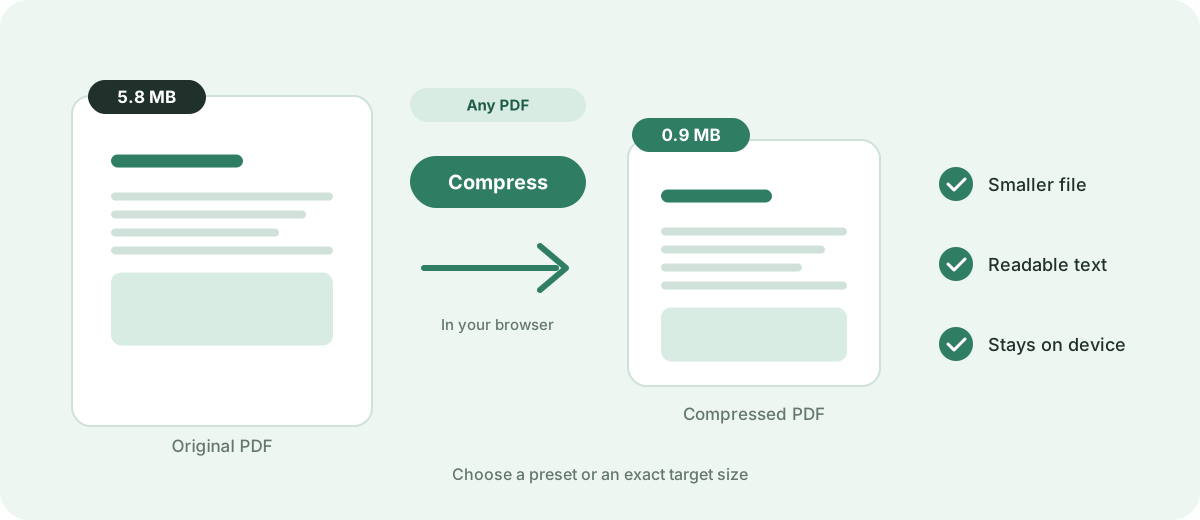
Oversized PDF files cause failed email deliveries, rejected job portal submissions, slow mobile downloads, and wasted cloud storage. Reducing document size ensures your files transmit smoothly across all platforms.
Shrink large PDF documents for email, cloud storage, and web portals without sacrificing readability. Fast, free, and private.
Your files are never uploaded to our servers — all compression happens right inside your browser
or pick several files at once from your device
Choose PDF filesOversized PDF files cause failed email deliveries, rejected job portal submissions, slow mobile downloads, and wasted cloud storage. Reducing document size ensures your files transmit smoothly across all platforms.
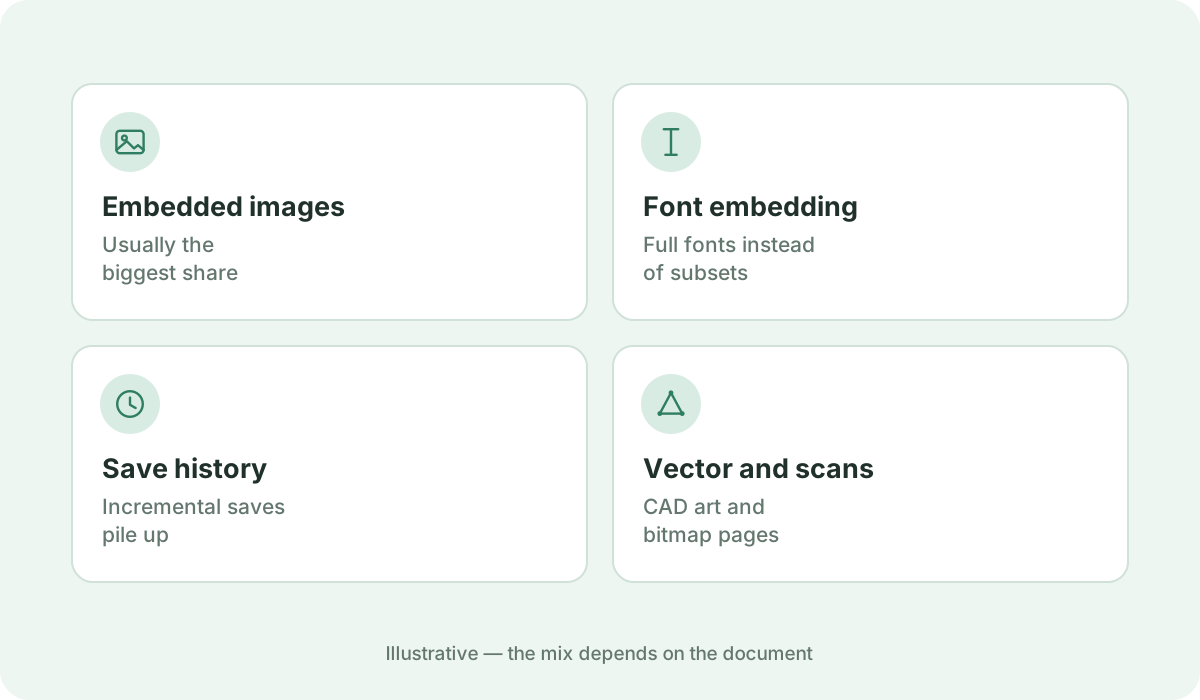
Every PDF is composed differently. Scanned pages and high-resolution photo portfolios often reduce by 50% to 80%, while pure text documents created from Microsoft Word or LaTeX are already compact and have less compressible image overhead.
Our engine optimizes embedded images and removes redundant metadata. If a vector document cannot be made smaller without quality degradation, the tool preserves the original file so you never get an unexpectedly bloated result.
Once compressed, you can review the exact original size, compressed size, and percentage saved before downloading. You can also re-run with different presets if you need greater reduction.
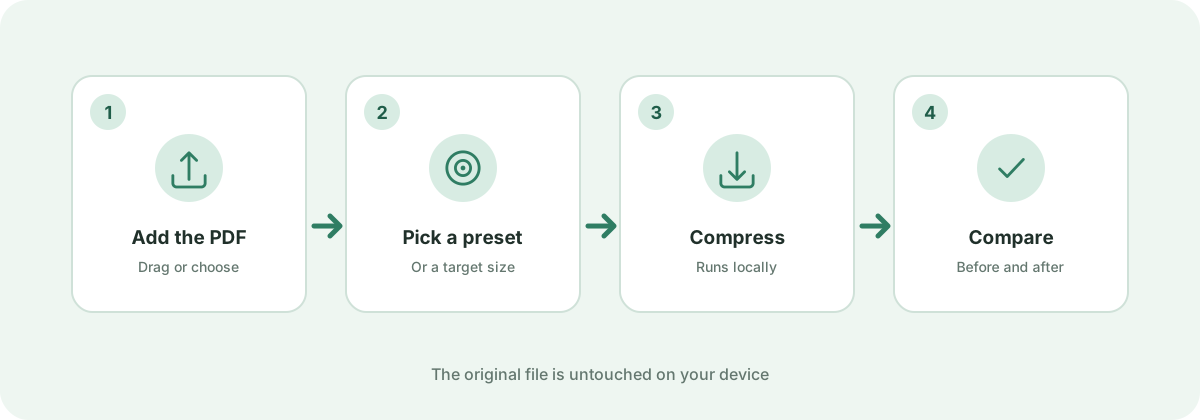
Simply drag your PDF into the upload area above, select a preset, click Compress Now, and download your smaller document directly from your browser.
PDFs that consist purely of plain vector text and standard system fonts are already very small. Image-heavy PDFs, scanned documents, and design mockups yield the highest reduction percentages.
No. With our High Quality and Balanced presets, typography remains sharp and legible for screen reading and standard office printing.
Standards, official documentation, and technical references behind the guidance on this page.