What Does Compressing to 500 KB Mean?
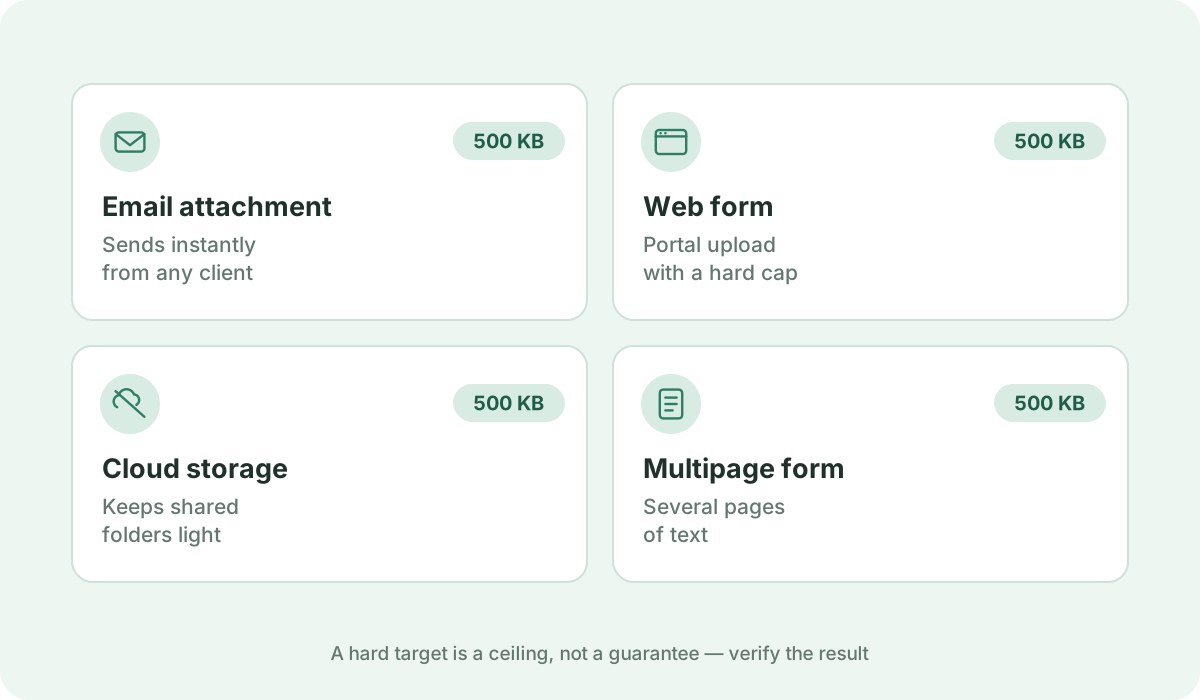
500 KB (half a megabyte) is one of the most widely adopted upload thresholds across the web, balancing server bandwidth with multi-page document fidelity.
Reduce a PDF to 500 KB or as close as possible directly in your browser. Fast, free, and 100% private — no uploads or sign-up required.
Your files are never uploaded to our servers — all compression happens right inside your browser
or pick several files at once from your device
Choose PDF files500 KB (half a megabyte) is one of the most widely adopted upload thresholds across the web, balancing server bandwidth with multi-page document fidelity.
Government procurement systems (LPSE), university thesis and dissertation repositories, corporate ERP procurement systems (SAP Ariba, Coupa), and international conference paper submissions.
Virtually zero visible compromise for standard office documents, academic papers, and multi-page forms spanning 10 to 20 pages.
This is the premier target for scanning multi-page paper packets. It leaves enough byte budget to preserve readable font weight across all pages while eliminating scanner grain.
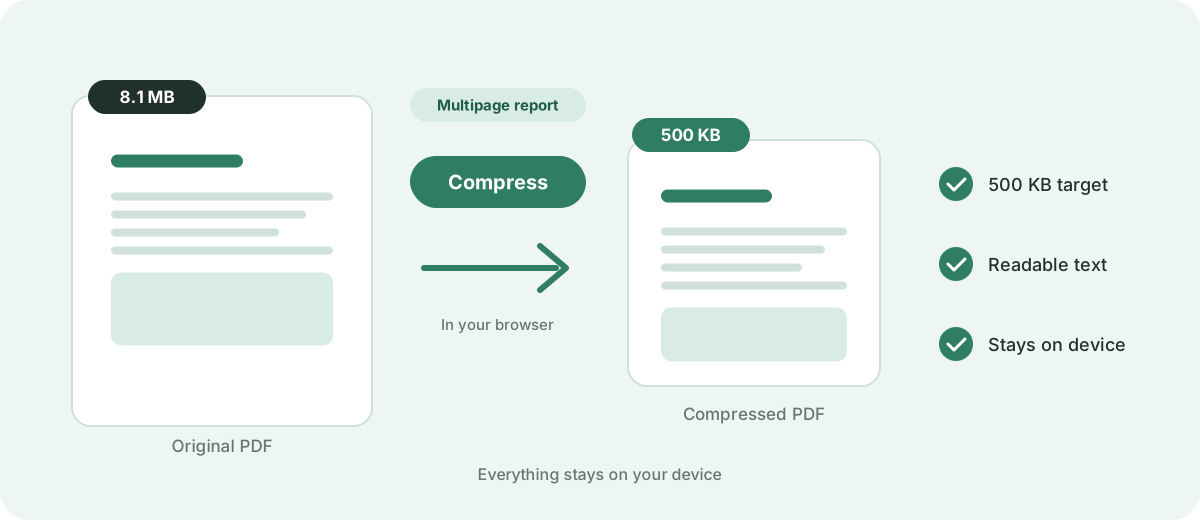
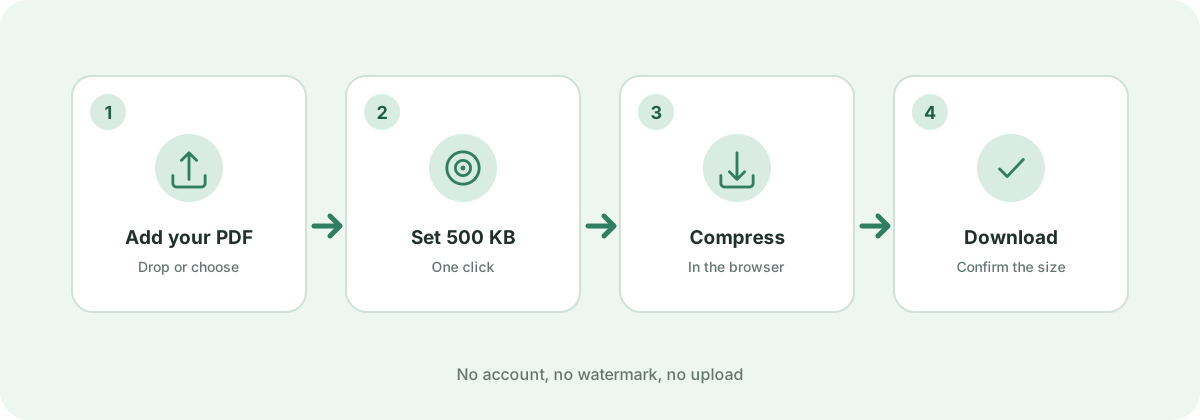
Add your PDF document using the file picker or drag-and-drop area above, then click 'Compress now'. The browser-side target-size engine automatically cycles through multiple rendering scales and JPEG compression passes, continuously testing output sizes until your file reaches 500 KB or smaller. If even the strongest pass cannot reach 500 KB — for example with a long multi-page scan — you receive the smallest size the engine can achieve rather than an unreadable document. If your file is already under 500 KB, the original is safely preserved without quality loss.
500 KB represents the ideal balance between low server storage costs and adequate document quality for 10+ page corporate submissions.
Yes. If the 10 MB file contains uncompressed scanner bitmaps or raw camera photos, our adaptive compression passes can reduce it by 90%+ down to 500 KB.
No. All target-size analysis, rasterization passes, and PDF rebuilds happen locally inside your web browser. Your private documents never leave your device.
Standards, official documentation, and technical references behind the guidance on this page.