Skip to content

Edit PDF Online

Edit PDF files directly in your browser. Add text, images, signatures, annotations, highlights, and shapes without installing software or uploading documents to servers.

Drop your PDF here

or choose a file from your device

PDF editing happens directly in your browser. Your document is not uploaded to our servers.

Fast, Private In-Browser PDF Editing

Unlike traditional online PDF editors that transmit your private documents across the internet to third-party cloud servers, KompressPDF runs entirely inside your web browser. Utilizing modern WebAssembly and client-side PDF rendering via PDF.js and pdf-lib, all text insertions, visual overlays, and page reordering take place in local memory. Your confidential files never leave your device.
Rich Annotation, Signature, and Shape Tools

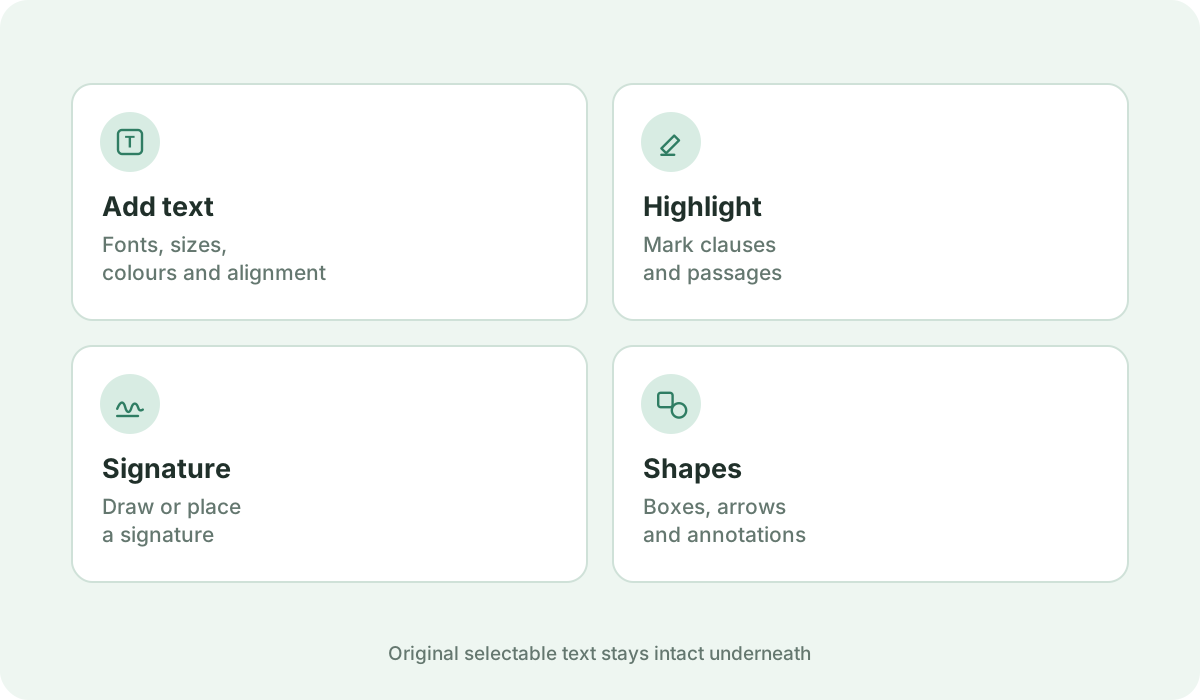
Easily mark up contracts, school papers, and office forms with versatile productivity tools. Add custom text with full typography controls (fonts, sizes, colors, alignments). Draw freehand lines, highlight critical paragraphs with translucent color, place geometric shapes (rectangles, circles, arrows), and obscure sensitive details with real whiteout blocks.

Full Page Management and Reorganization

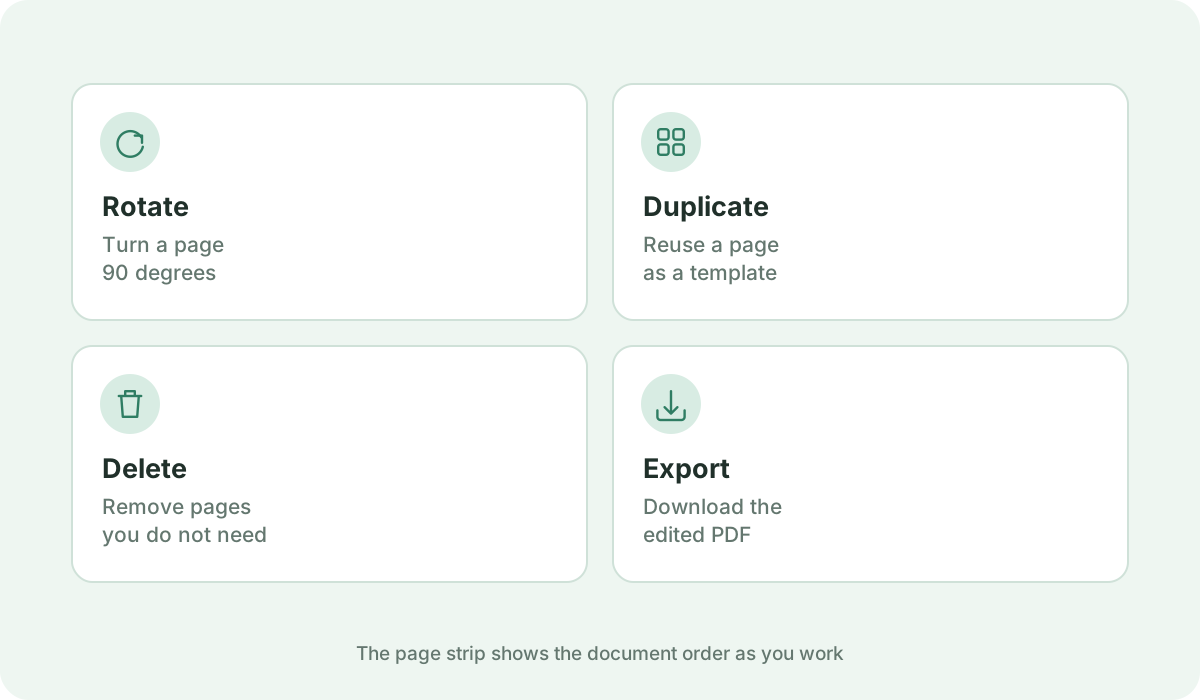
Organize multi-page documents seamlessly using the visual page strip. Rotate pages 90 degrees clockwise, duplicate templates, delete unwanted sheets, or insert blank notes wherever needed. Reorder pages intuitively before exporting.

Lossless Export Without Quality Degradation

When you download your finished document, KompressPDF compiles your edits as a clean vector overlay on top of the original PDF stream. Original selectable text and embedded images remain crisp and intact rather than being flattened into a blurry bitmap.

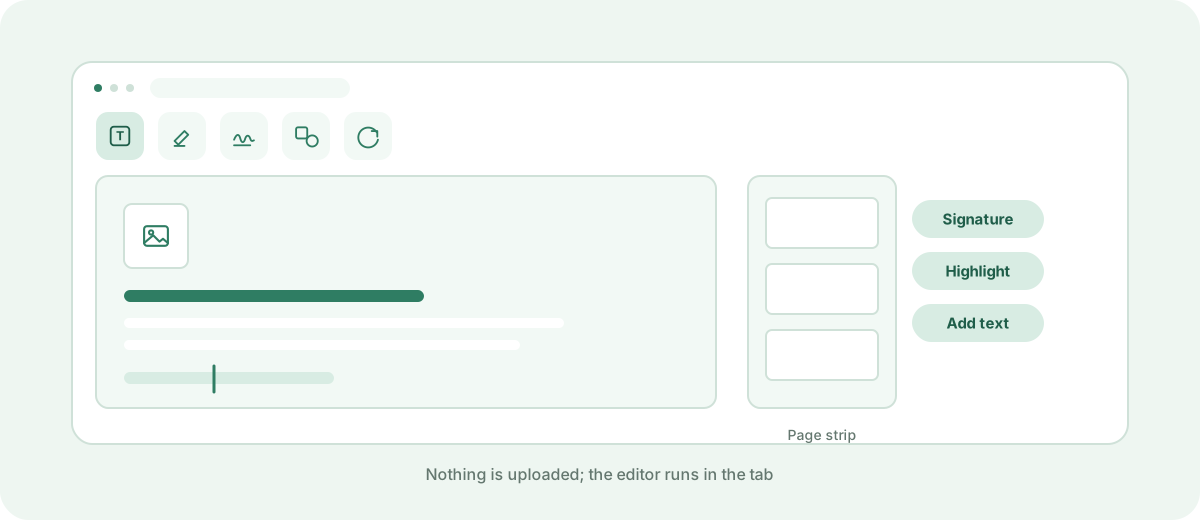
The in-browser PDF editor with a page canvas and annotation toolbar
Edits are layered over the original PDF.
Text, highlight, signature and shape tools in the editor
Each edit is added as a vector overlay.
Page strip actions: rotate, duplicate and delete
Reorganise pages before exporting.

Frequently asked questions

How can I edit a PDF online?

Simply drag and drop your PDF into the upload zone above. Choose any tool from the toolbar (Text, Image, Draw, Highlight, Shapes, Signature, or Whiteout) to apply changes, then click 'Download PDF' to save your edited file immediately.

Can I edit a PDF for free?

Yes. KompressPDF is completely free to use with no hidden subscriptions, trial limits, or account registration requirements.

Can I add text to a PDF?

Yes. Select the Text tool, click anywhere on your PDF page, and type your content. You can adjust the font size, font family, color, bold, italic, underline, and alignment directly from the properties bar.

Can I add a signature to a PDF?

Yes. Open the Signature tool to type your name in cursive script styles, draw your signature with a mouse or touchscreen, or upload a scanned signature image.

Can I edit a PDF without uploading it to a server?

Yes. KompressPDF is built on a 100% client-side architecture. The document is parsed and rendered entirely in your browser's local memory and is never transmitted to any external server.

Can I edit a PDF on my phone or tablet?

Yes. The editor is fully responsive on mobile devices and tablets, supporting touch scrolling, pinch zoom, and touch-based drawing and signature creation.

Can I edit a scanned PDF?

You can freely add new text, signatures, shapes, and whiteout over scanned pages. However, editing existing flattened bitmap text in a scanned image requires OCR reconstruction, whereas text-based PDFs allow seamless overlay markup.

Sources & further reading

Standards, official documentation, and technical references behind the guidance on this page.