Skip to content

Split PDF Online Free

Separate PDF pages or extract specific sections directly in your browser. Choose individual sheets, split every page into standalone files, divide by page count, or define custom ranges with zero quality loss and complete privacy.

Split PDF Online

Drop your PDF here

or
Free • Private • Works in your browser

Four Flexible Ways to Split Any PDF

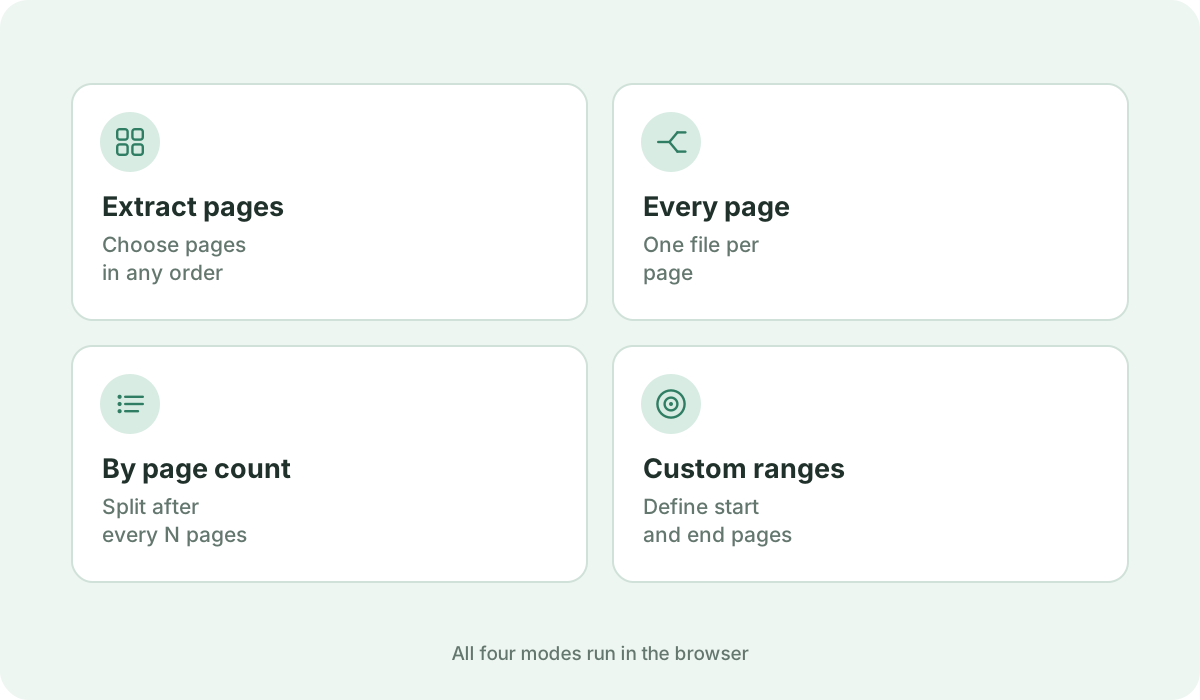
Whether you need to pull out a single invoice sheet from a batch or split an entire book into chapter segments, KompressPDF provides four dedicated splitting modes: extract selected pages in custom order, separate every single page into individual PDFs, divide every N pages into equal parts, or specify custom page ranges (e.g. 1-5, 8-12).
100% Private, Client-Side Local Processing

Your sensitive contracts, medical records, and financial statements never travel across the internet. Our in-browser architecture reads, decomposes, and rebuilds PDF structures directly inside your web browser's local memory using WebAssembly and pdf-lib. No server uploads, no data collection, and no remote logging.

Preserve Original Vector Quality, Fonts, and Images

Unlike tools that flatten pages into blurry bitmaps, our PDF split engine copies original PDF content streams directly. Text remains selectable and searchable, embedded images retain their full resolution, and vector graphics stay pin-sharp.

Interactive Page Selection and Visual Reordering

Browse interactive page thumbnails, select or deselect with a single click, use range inputs, or drag and drop to reorder extracted pages before generating your new document.

Instant ZIP Download for Multi-Part Splits

When splitting into multiple documents, KompressPDF packages your generated PDFs into a neat ZIP archive on the fly in your browser, keeping filenames organized and ready to download with one click.

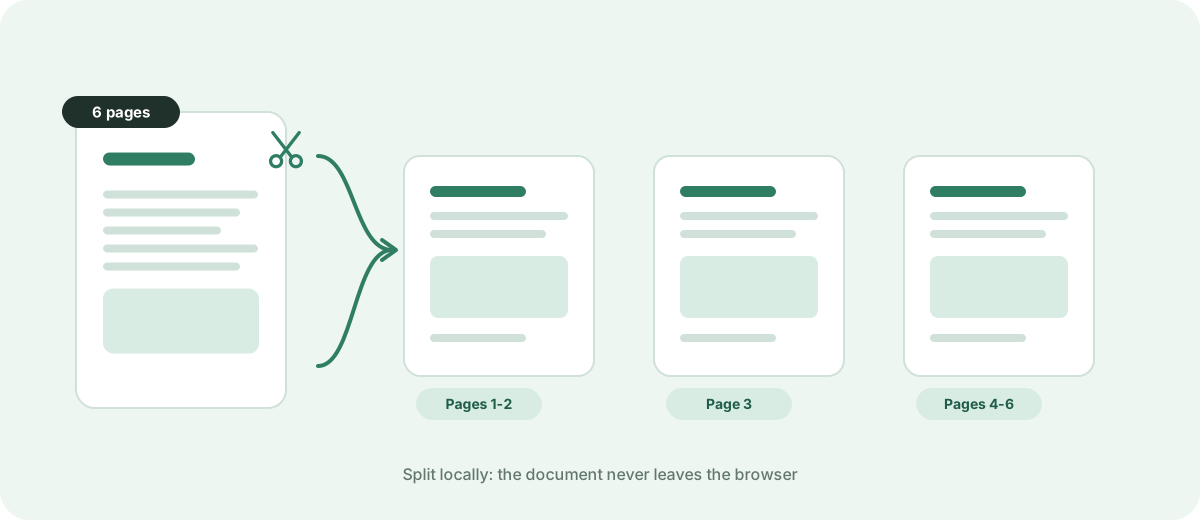
One six-page PDF split into three separate files
Every output keeps the original quality.
Four split modes: extract pages, every page, by page count and custom ranges
Pick the mode that matches the job.
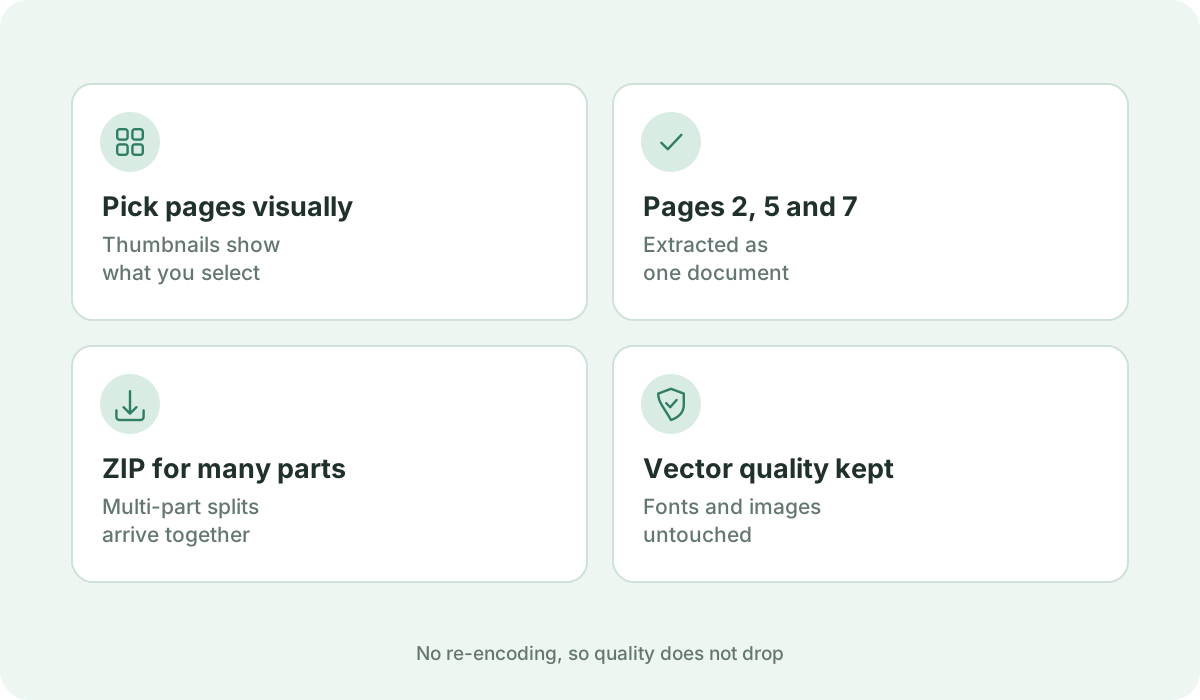
A visual page strip with pages 2, 5 and 7 selected for extraction
Selected pages download as one file or a ZIP.

Frequently asked questions

How do I split a PDF into multiple files?

Drop your PDF into the upload box above, choose your preferred split mode ('Extract selected pages', 'Split every page', 'Split every N pages', or 'Split by ranges'), click 'Split PDF', and download your resulting PDF or ZIP file immediately.

Is it safe to split sensitive PDFs here?

Yes, 100%. KompressPDF works entirely in your browser. Your files are never uploaded to our servers or stored anywhere online. Processing takes place exclusively in your device's memory.

Can I extract specific pages and reorder them?

Yes. In 'Extract selected pages' mode, you can select any combination of pages and reorder them before generating the final PDF. The output will follow your exact chosen sequence.

Can I split every page into its own individual PDF?

Yes. Select 'Split every page' mode. A 10-page document will be split into 10 separate PDFs (page-001.pdf through page-010.pdf) and bundled into a clean ZIP archive for instant download.

Will splitting decrease the visual quality of my PDF?

No. Pages are copied losslessly without re-compression or rasterization. All vectors, fonts, high-resolution graphics, and selectable text layers are preserved identically.

Are there any file size or page count limits?

You can split documents up to 50 MB and 200 pages completely free without account registration or subscription barriers.

Does this tool work on mobile devices and tablets?

Yes. The interface is fully responsive on smartphones and tablets, featuring touch-friendly thumbnail selection and mobile controls.

Can I split a password-protected PDF?

For security and privacy, you must unlock password-protected documents before uploading them to the splitter.

Sources & further reading

Standards, official documentation, and technical references behind the guidance on this page.