What PDF Compression Is & Why It Matters
A Portable Document Format (PDF) file is essentially a container holding diverse digital assets: typography streams, vector drawing instructions, raster pixel graphics, metadata dictionaries, and font descriptors. PDF compression is the technical process of re-encoding or downsampling these internal streams so the file consumes significantly less storage space and bandwidth while maintaining visual clarity. Compact PDFs transfer faster over cellular networks, stay within strict upload caps, and prevent rejected email deliveries.
How PDF Compression Works Under the Hood
Modern PDF optimization operates on three distinct levels: stream deflate compression, structural deduplication, and raster image optimization. Text characters and layout commands are compressed losslessly using Flate/DEFLATE algorithms. Duplicate font glyphs and unreferenced object dictionaries are pruned. Embedded photos and scanned pages, which account for up to 90% of total file weight, undergo intelligent resolution scaling and JPEG compression passes.
Why Are PDF Files So Large? The 5 Common Bloat Factors
Understanding why your PDF exceeded standard thresholds is the first step to optimizing it effectively:
- Uncompressed 300+ DPI Scans: Physical scanners default to high archival resolutions intended for large-format printing rather than computer or mobile displays.
- Full Font Embedding: Creating a PDF in software like Adobe InDesign or Word often embeds entire multi-megabyte font families rather than only the glyph characters actually typed.
- Hidden Revision Histories & Metadata: Draft revisions, thumbnail previews, print color profiles (CMYK), and private editing metadata inflate the document footprint.
- High-Resolution Color Photos: Full-frame smartphone camera photos or high-res stock photography embedded into slides without downsampling.
- Uncompressed Object Streams: Legacy PDF generators that omit modern object stream compression (PDF 1.5+), leaving data in verbose ASCII representations.
Lossy vs. Lossless PDF Compression: Choosing the Right Tradeoff
Lossless compression removes internal redundancy and structural inefficiencies without altering a single pixel or character outline. It is ideal for contracts, financial audits, and legal filings where bit-for-bit fidelity is required. Lossy compression, on the other hand, slightly reduces color nuance in photos and adjusts pixel density (such as resampling 300 DPI to 150 DPI). Because the human eye cannot perceive minute sub-pixel shifts at standard reading distance, lossy compression delivers 50% to 80% size savings with zero practical impact on readability.
How to Compress Scanned PDF Documents
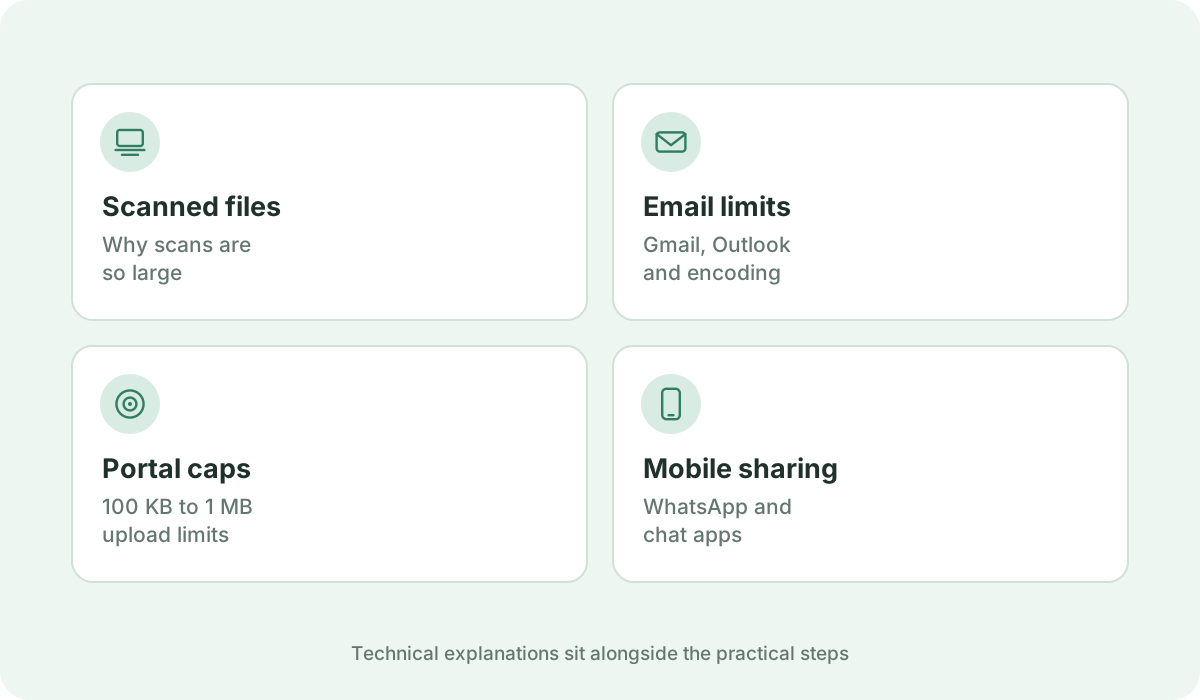
Scanned PDFs consist entirely of full-page raster bitmap images with no underlying text streams. To compress scanned PDFs effectively, the resolution must be balanced to the intended destination: 150 DPI provides crisp monitor viewing, while 100 DPI is optimal for strict web form upload caps. If the scanned document contains only black-and-white text or ink signatures, converting 24-bit full RGB color to 8-bit grayscale immediately cuts raw image byte weight by two thirds before compression even begins.
How to Reduce PDF Size Without Making Text Unreadable
A frequent concern is that compression might make fine text, invoice numbers, or contract clauses blurry. In Kompres PDF, vector typography and native text objects are kept in vector form whenever technically feasible. Because vector letters are mathematically defined Bezier curves rather than pixel grids, your text remains razor-sharp whether viewed at 100% or zoomed in to 400%. Only embedded photo elements are resampled.
Optimizing PDFs for Email Attachments (Gmail, Outlook)
Most consumer and enterprise email servers enforce hard attachment ceilings: Gmail and Google Workspace enforce 25 MB, while Microsoft Outlook and Exchange typically cap attachments at 20 MB or 10 MB. Crucially, email transport protocols convert binary PDF data into Base64 ASCII text, which inflates the apparent transmission payload by approximately 33%. A 20 MB document will therefore expand to 26.6 MB and bounce. We strongly advise compressing email attachments to 1 MB – 5 MB for instantaneous delivery and quick mobile opening.
Compressing PDFs for Online Forms & Employment Portals
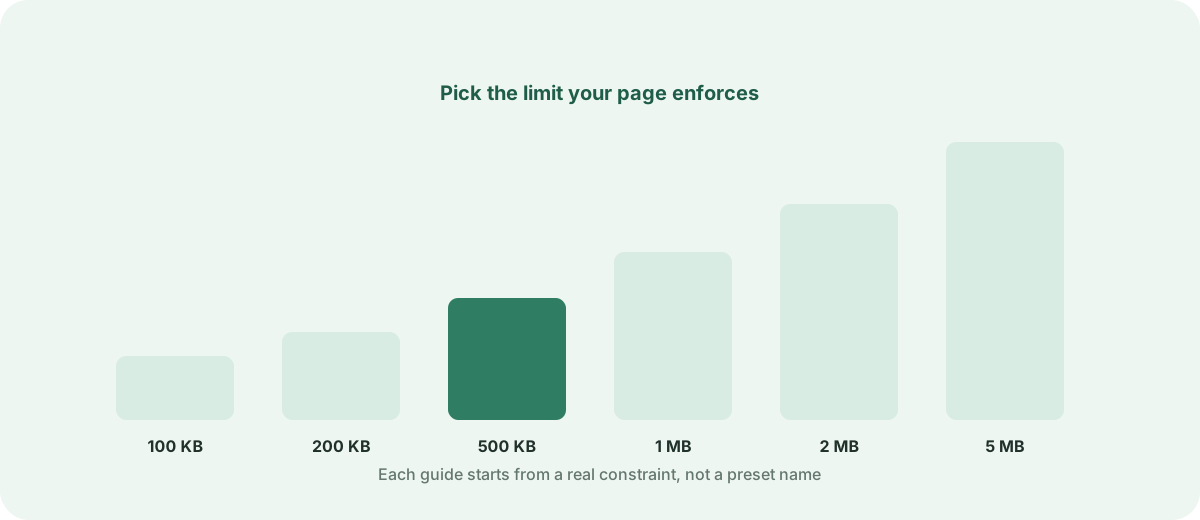
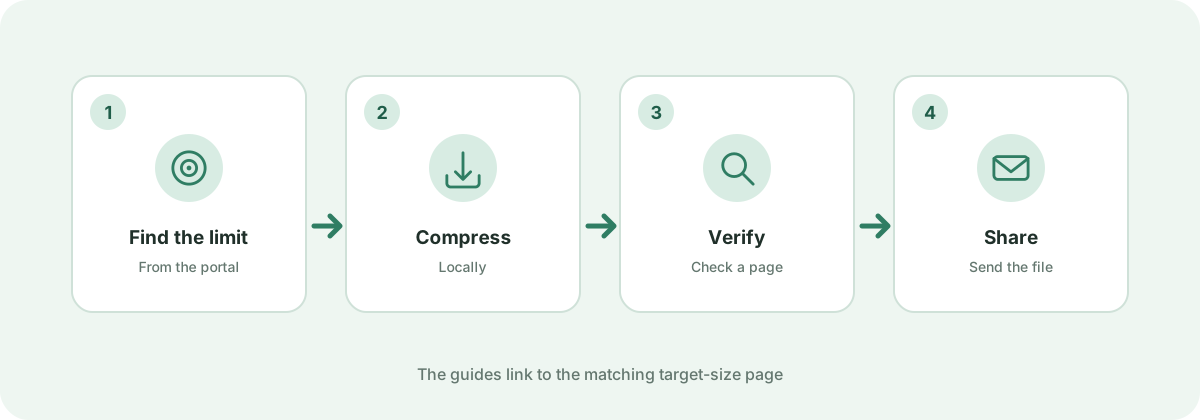
Public administration portals, civil service recruitment, university application systems, and corporate applicant tracking systems strictly enforce upload barriers — frequently capping files at 100 KB, 200 KB, or 500 KB depending on the institution. Attempting to upload even 1 byte over the limit triggers an immediate validation failure. Always verify your target portal's official instructions before uploading.
Compressing PDFs for WhatsApp & Mobile Messaging
Sending large PDF documents via mobile chat apps on slow 4G or 3G connections often leads to upload timeouts and wasted mobile data plans for recipients. Compressing your document down to 500 KB or 1 MB ensures lightning-fast sharing and smooth opening on Android and iOS devices without requiring third-party PDF reader installations.
Why Some PDFs Cannot Reach an Arbitrary Target Size
If you have a 100-page scanned document and attempt to force it into 50 KB, the output will exceed 50 KB. This occurs because every PDF page requires a baseline amount of structural byte overhead (page dictionaries, cross-reference index tables, and stream headers) regardless of compression. In such cases, Kompres PDF produces the absolute smallest file size technically achievable while refusing to destroy document legibility.