What Does Compressing to 200 KB Mean?
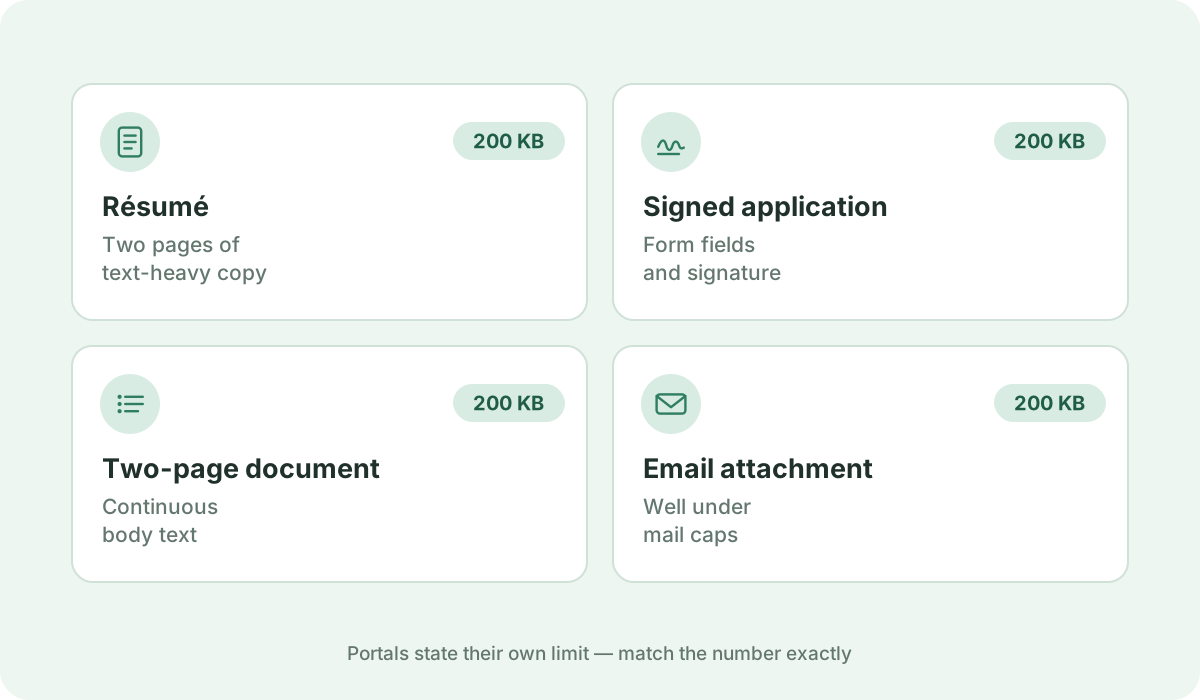
200 KB is the benchmark standard for job seeker resumes, cover letters, single-page commercial agreements, and utility bill proof-of-residence uploads.
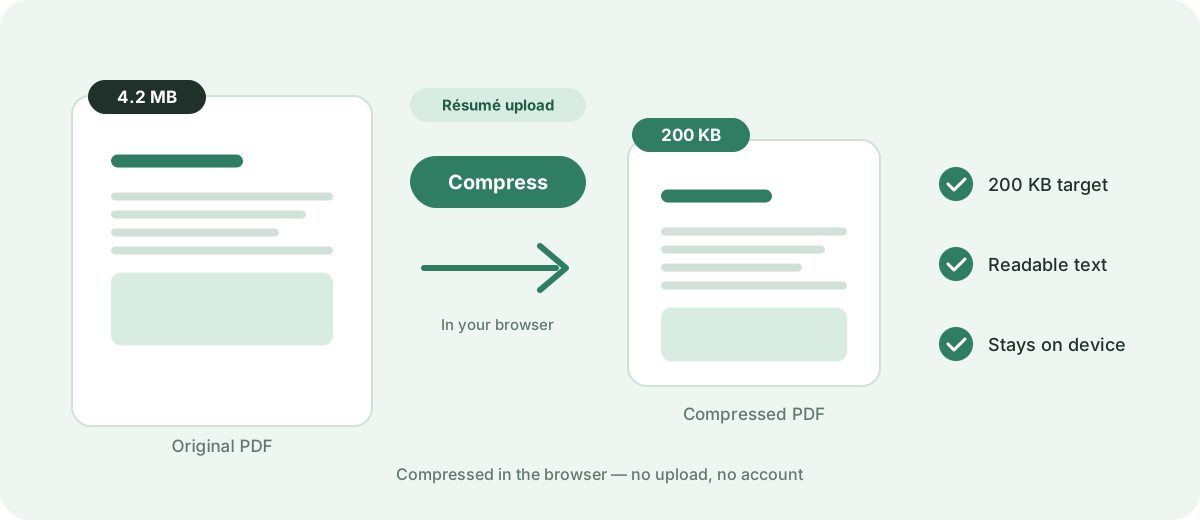
Reduce a PDF to 200 KB or as close as possible directly in your browser. Fast, free, and 100% private — no uploads or sign-up required.
Your files are never uploaded to our servers — all compression happens right inside your browser
or pick several files at once from your device
Choose PDF files200 KB is the benchmark standard for job seeker resumes, cover letters, single-page commercial agreements, and utility bill proof-of-residence uploads.
Many corporate career portals and job applications recommend resumes around 200 KB for quick recruiter mobile previews. Always verify specific attachment limits on your target application form.
Comfortably fits a 1 to 2 page resume or cover letter with a profile photo at comfortable sharpness. Pages are rasterized into optimized JPEG images, so text becomes part of the image and can no longer be selected, searched, or parsed by ATS screeners. If a document cannot reach 200 KB — for example a long multi-page scan — the engine returns the smallest size it can achieve rather than degrading pages into unreadability.
Export your resume directly from Canva, Figma, Google Docs, or Word as a vector PDF rather than taking a screenshot or saving it as a flat full-page JPEG.
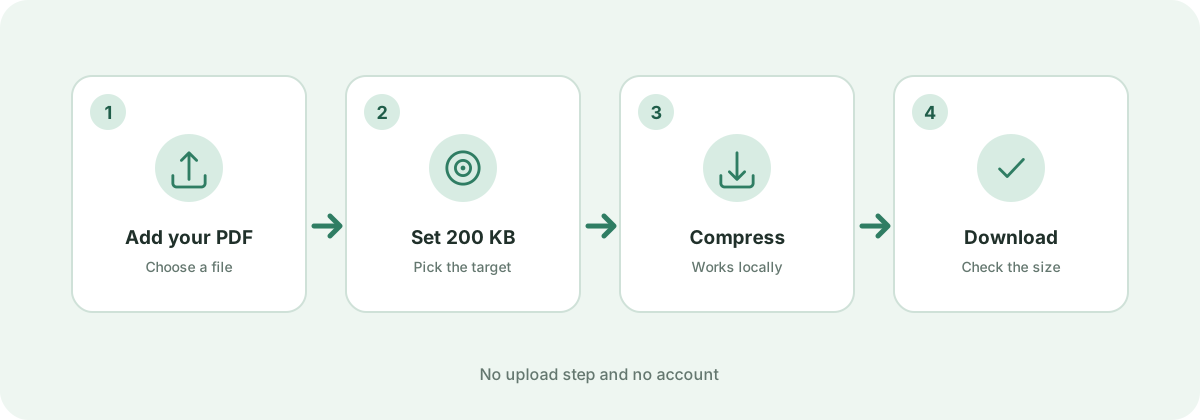
Add your PDF document using the file picker or drag-and-drop area above, then click 'Compress now'. The browser-side target-size engine automatically cycles through multiple rendering scales and JPEG compression passes, continuously testing output sizes until your file reaches 200 KB or smaller. If even the strongest pass cannot reach 200 KB — for example with a long multi-page scan — you receive the smallest size the engine can achieve rather than an unreadable document. If your file is already under 200 KB, the original is safely preserved without quality loss.
Recruiting databases handle high volumes of applicants. A 200 KB guideline ensures candidate profiles load instantaneously on mobile devices and reviewer screens.
Yes. Because pages are rendered to images during compression, text is not selectable or searchable, and automated ATS screeners cannot parse the text. To keep a CV ATS-readable, reduce embedded photo resolutions in your source editor before exporting to PDF.
No. All target-size analysis, rasterization passes, and PDF rebuilds happen locally inside your web browser. Your private documents never leave your device.
Standards, official documentation, and technical references behind the guidance on this page.