Why Is My PDF So Large?

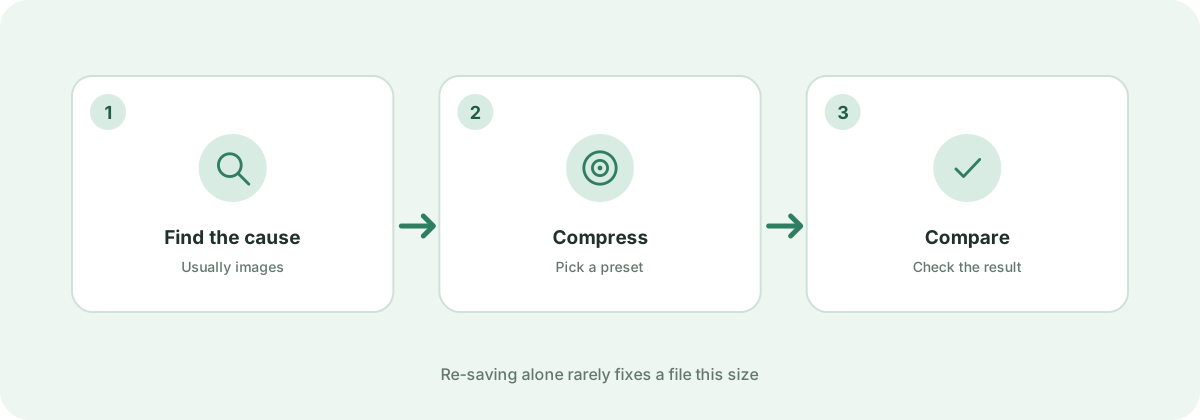
Ever wondered why a simple 5-page PDF document is taking up 40 megabytes of space? Here are the technical causes behind oversized PDFs and how to solve them.

Your files are never uploaded to our servers — all compression happens right inside your browser

Drop your PDF files here

or pick several files at once from your device

1. Uncompressed or High-DPI Embedded Images

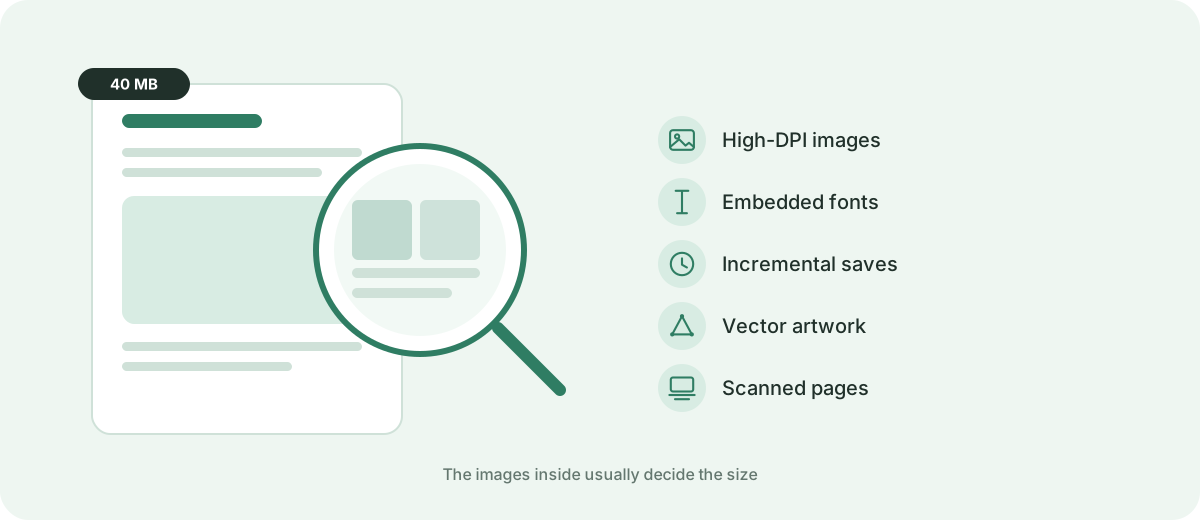
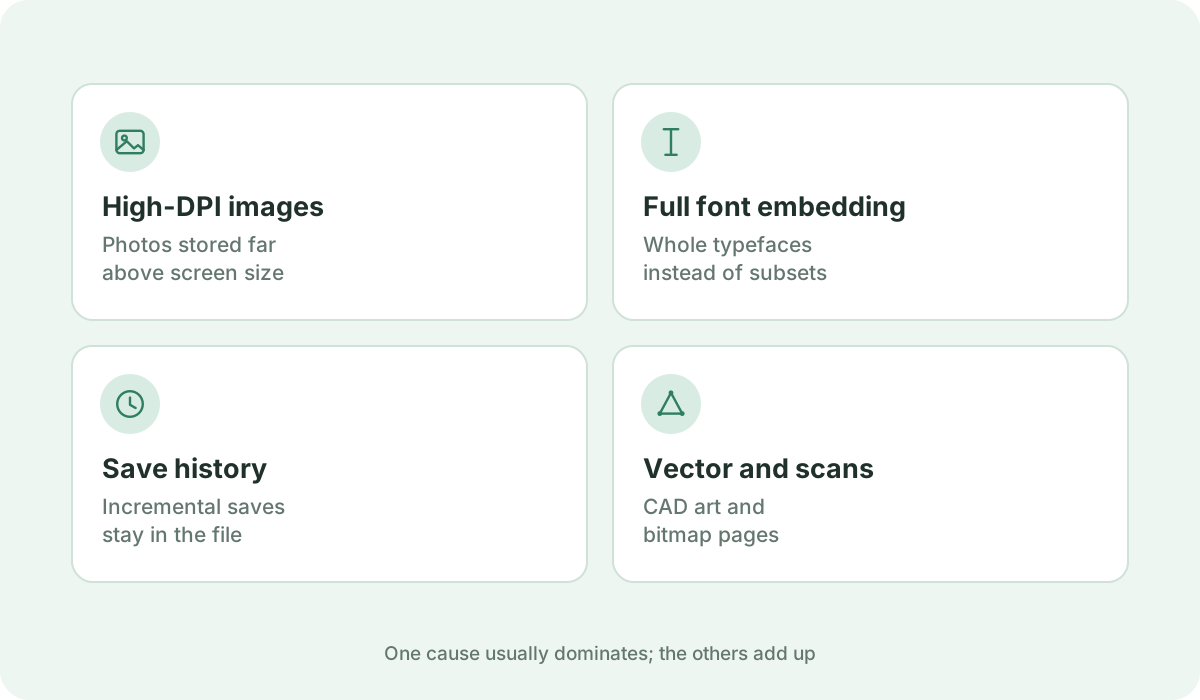
By far the most common culprit behind multi-megabyte PDFs is photography. When you paste 12-megapixel smartphone photos or 300 DPI print graphics into a document, many PDF export tools store the uncompressed raw image data inside the PDF stream. Downsampling these images to screen resolution (72–150 DPI) can eliminate up to 90% of the document's total weight.
2. Full Font Embedding vs. Font Subsetting

When you use custom typography in programs like Adobe InDesign, Illustrator, or Word, the exporter may embed the entire font file (containing thousands of unused glyphs, ligatures, and international characters) for every font style. Embedding complete font families can add 5 MB to 15 MB to what would otherwise be a 100 KB document.

3. Hidden Revision History & Incremental Saves

Some PDF editors utilize 'incremental saving'. Instead of rewriting the document structure from scratch, each save appends modifications, deleted pages, and old image revisions to the end of the file. To the viewer, only the final page shows, but the file retains every historical draft inside its byte stream.

4. Complex Vector Artwork & CAD Drawings

Architectural blueprints, GIS maps, and complex vector illustrations can contain hundreds of thousands of individual anchor points, clipping paths, and shading dictionaries. These vector instructions require extensive storage space and take heavy computing power to parse.

5. Scanner Bloat (Full-Page Bitmaps)

When a document is scanned from paper, the PDF does not contain digital text; it holds high-resolution photograph scans of each physical sheet of paper. Without lossy image compression, even a short contract will weigh dozens of megabytes.

Frequently asked questions

Why is a PDF larger than the original Word document?

Word documents only store references to system fonts and compress their contents in a ZIP archive. When exporting to PDF, Word often embeds the full font files and uncompressed image assets, causing the file size to multiply.

How can I check what is taking up space in my PDF?

If you have Adobe Acrobat Pro, open Tools > PDF Optimizer > Audit Space Usage. It will show a percentage breakdown of images, fonts, content streams, and document overhead.

What is the quickest fix for an oversized PDF?

Upload it to Kompres PDF using the 'Balanced' preset. Our engine automatically rasterizes bloated image layers, optimizes streams, and strips redundant revision data in seconds.