What Does Compressing to 100 KB Mean?
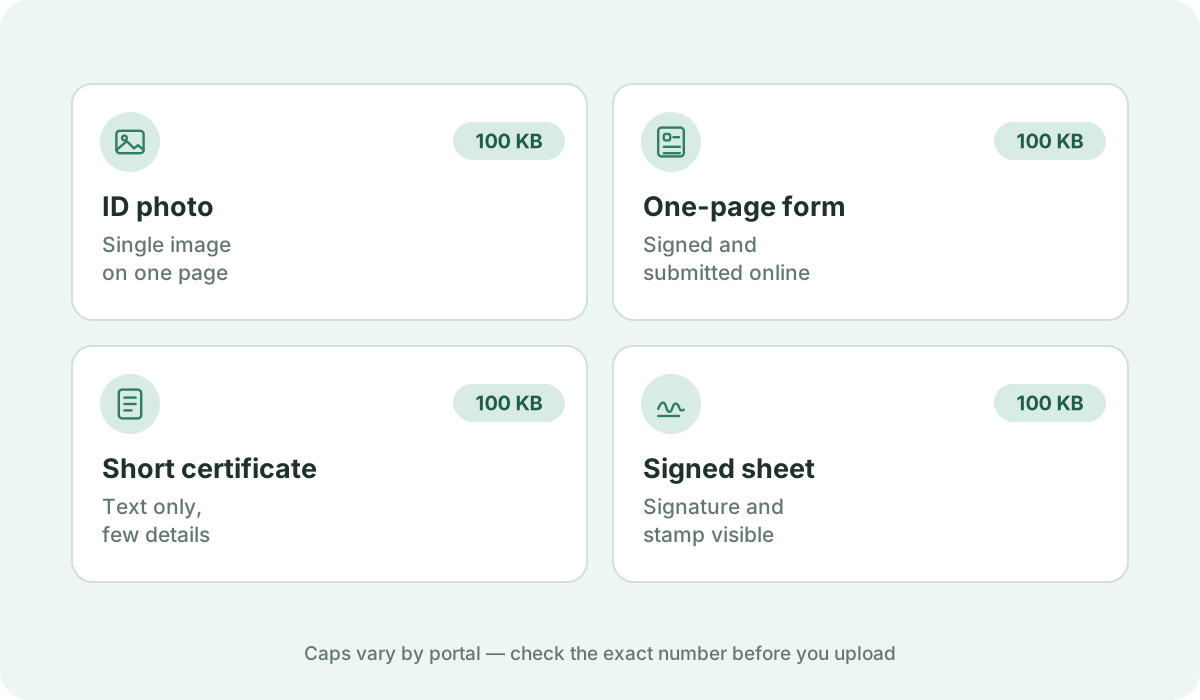
100 KB is the classic maximum upload cap for civil service exam certificates, academic diplomas, single-page employment affidavits, and consular e-visa supporting documents.
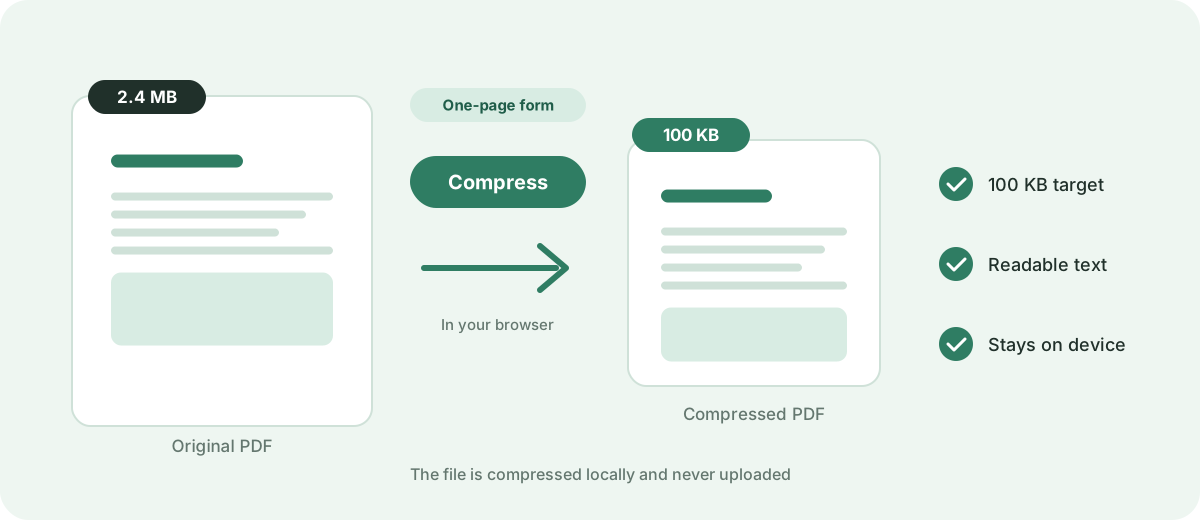
Reduce a PDF to 100 KB or as close as possible directly in your browser. Fast, free, and 100% private — no uploads or sign-up required.
Your files are never uploaded to our servers — all compression happens right inside your browser
or pick several files at once from your device
Choose PDF files100 KB is the classic maximum upload cap for civil service exam certificates, academic diplomas, single-page employment affidavits, and consular e-visa supporting documents.
SSCASN/BKN civil service applications (Surat Pernyataan, Ijazah), Indian government examination portals (SSC, NEET, UPSC), university online admission slips, and state professional licensing boards.
Comfortably supports 1 to 3 pages of digitally generated text with crisp vector typography. For scanned paper documents, 1 page at 150 DPI grayscale remains sharp and fully legible.
Scan physical papers in grayscale rather than 24-bit True Color. For digital documents exported from Word or Google Docs, retain native vector text so only embedded logos are compressed.
Add your PDF document using the file picker or drag-and-drop area above, then click 'Compress now'. The browser-side target-size engine automatically cycles through multiple rendering scales and JPEG compression passes, continuously testing output sizes until your file reaches 100 KB or smaller. If even the strongest pass cannot reach 100 KB — for example with a long multi-page scan — you receive the smallest size the engine can achieve rather than an unreadable document. If your file is already under 100 KB, the original is safely preserved without quality loss.
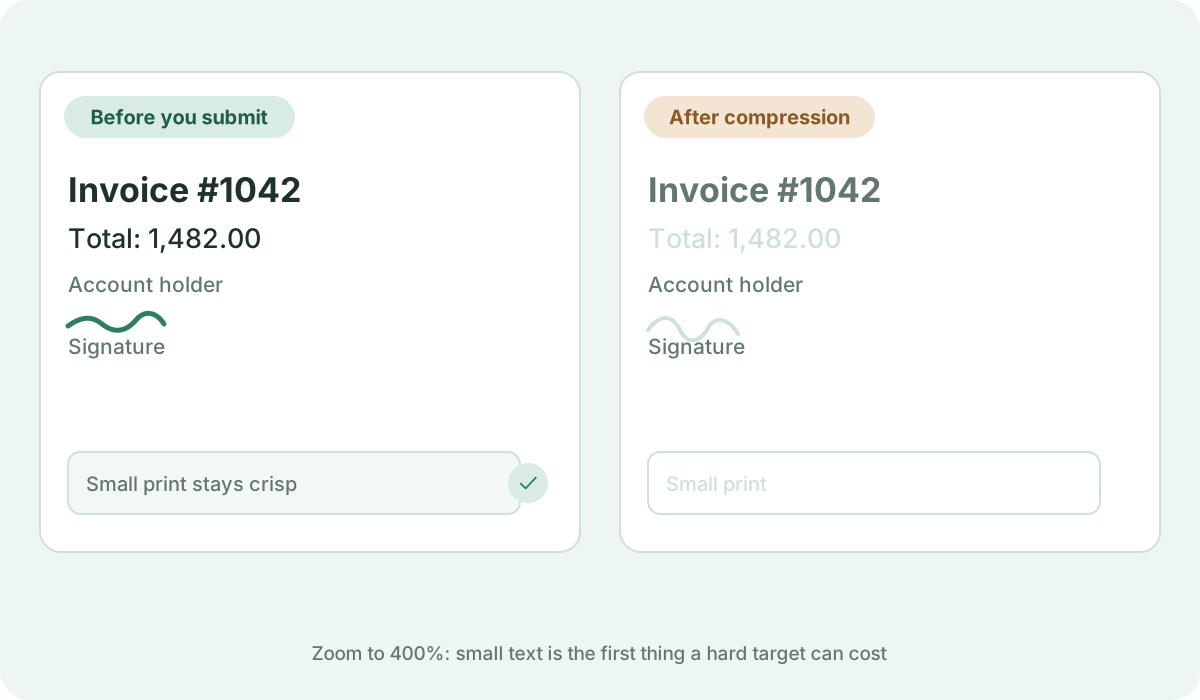
Yes. Our engine optimizes background image noise while keeping stamp outlines and official text sharp and legible for institutional verification.
Vector-based documents can easily fit 3 to 5 pages. Scanned paper certificates should ideally be limited to 1 or 2 pages to maintain high legibility.
No. All target-size analysis, rasterization passes, and PDF rebuilds happen locally inside your web browser. Your private documents never leave your device.
Standards, official documentation, and technical references behind the guidance on this page.