What Does Compressing to 3 MB Mean?
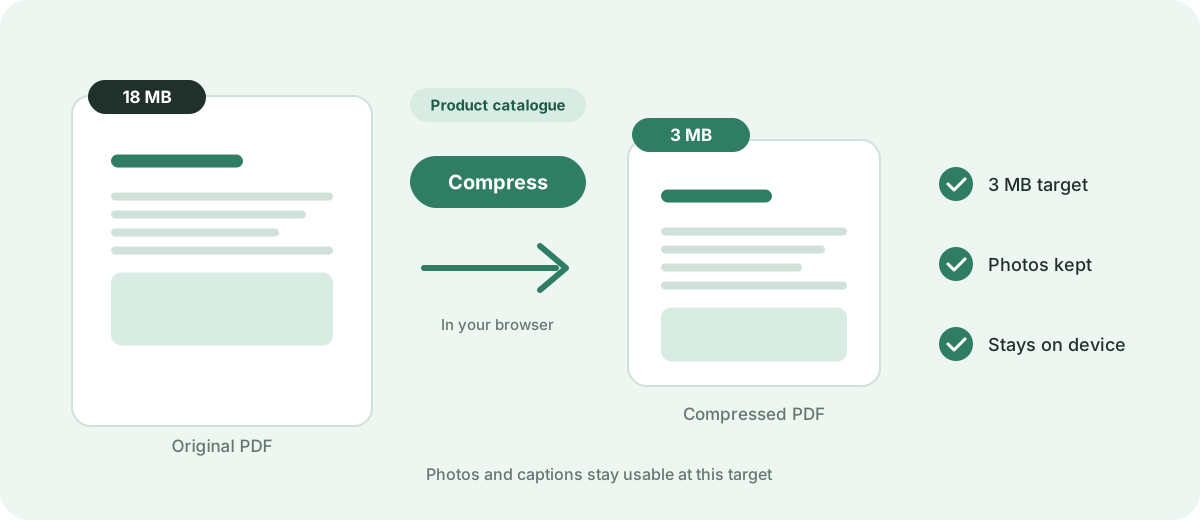
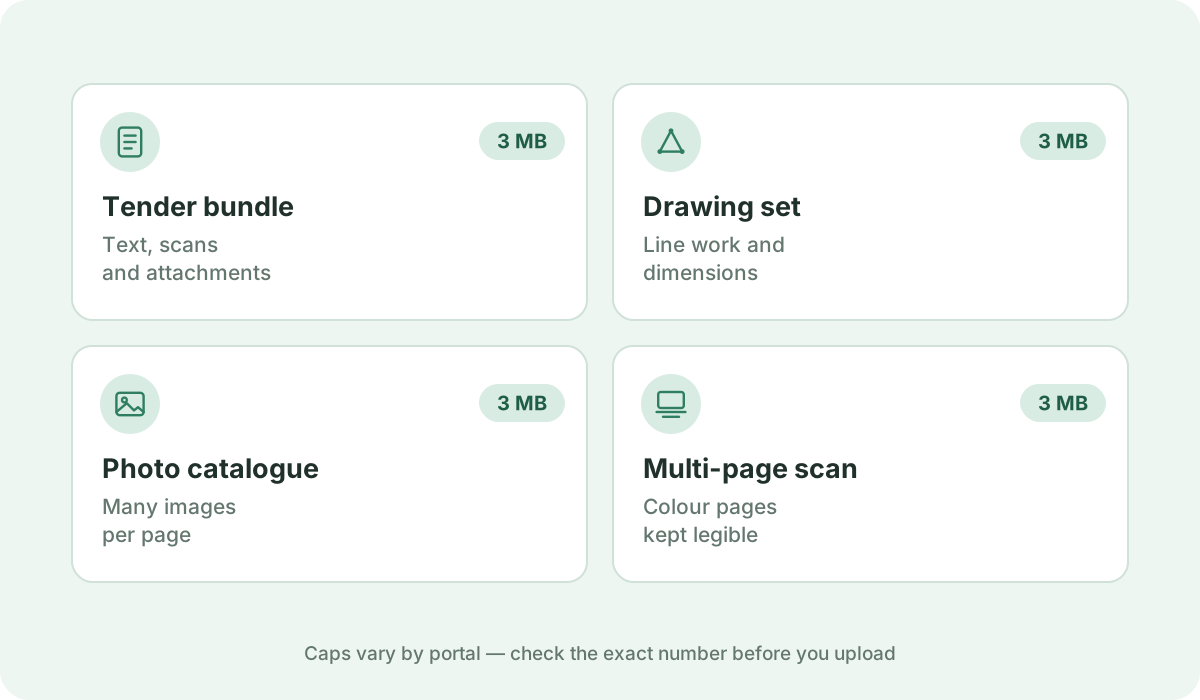
3 MB is a generous ceiling designed for graphic-heavy documents, architectural design summaries, engineering schematics, and multi-page product catalogs.
Reduce a PDF to 3 MB or as close as possible directly in your browser. Fast, free, and 100% private — no uploads or sign-up required.
Your files are never uploaded to our servers — all compression happens right inside your browser
or pick several files at once from your device
Choose PDF files3 MB is a generous ceiling designed for graphic-heavy documents, architectural design summaries, engineering schematics, and multi-page product catalogs.
Municipal building permit portals, construction tender bidding systems, commercial lease repositories, and legal electronic discovery platforms. Published caps a 3 MB file sits inside, verified 2026-10-13: Microsoft Outlook desktop (POP3/IMAP accounts) 20 MB; Gmail 25 MB.
Superior visual fidelity. High-density vector line art, multi-layered CAD diagrams, and detailed product photography remain sharp even when zoomed in.
Compressing to 3 MB allows you to downsample heavy photographic textures while keeping vector linework and fine dimension measurement callouts untouched.
Add your PDF document using the file picker or drag-and-drop area above, then click 'Compress now'. The browser-side target-size engine automatically cycles through multiple rendering scales and JPEG compression passes, continuously testing output sizes until your file reaches 3 MB or smaller. If even the strongest pass cannot reach 3 MB — for example with a long multi-page scan — you receive the smallest size the engine can achieve rather than an unreadable document. If your file is already under 3 MB, the original is safely preserved without quality loss.
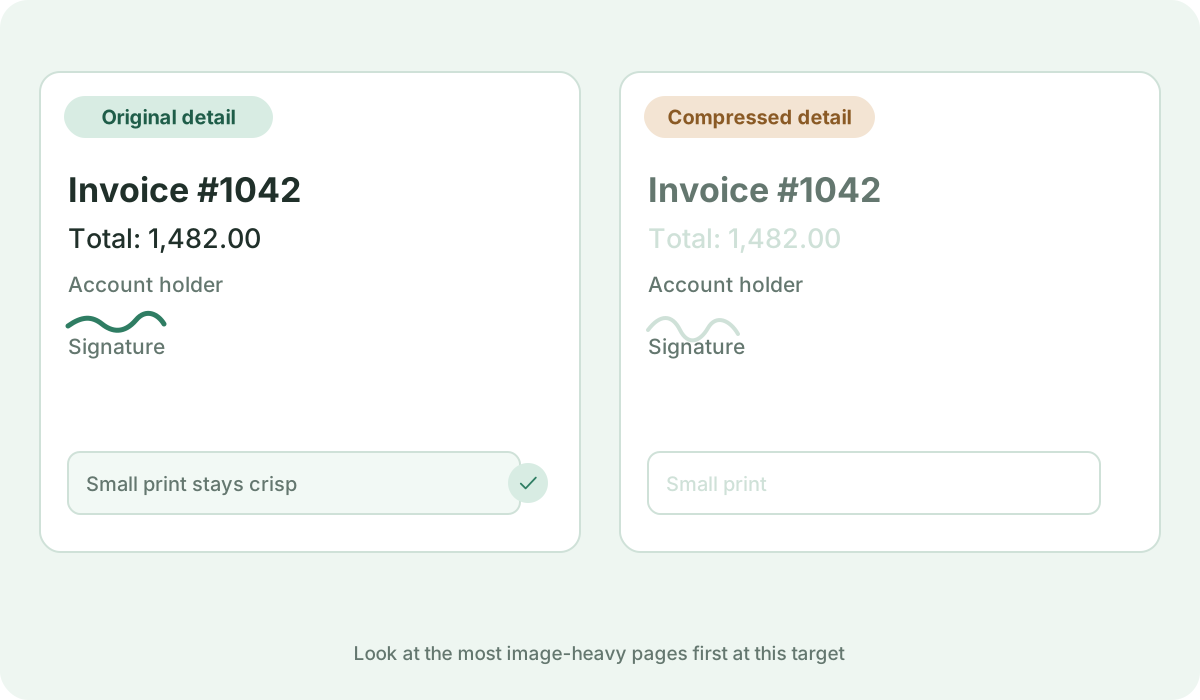
Yes. Our engine preserves vector linework and font dictionaries so dimension lines, scale rulers, and small callout notes remain tack-sharp.
Yes. 3 MB transfers in seconds over WhatsApp, Telegram, or email without consuming significant mobile data.
No. All target-size analysis, rasterization passes, and PDF rebuilds happen locally inside your web browser. Your private documents never leave your device.
Standards, official documentation, and technical references behind the guidance on this page.